
Apple
Streamlining Siri and Unleashing Creativity: A deep dive into iOS 18.2

The relentless march of iOS updates continues, and iOS 18.2 has arrived, bringing with it a suite of enhancements both subtle and significant. Beyond the headline features, I’ve discovered some real gems that streamline everyday interactions and unlock new creative possibilities. Let’s delve into two aspects that particularly caught my attention: a refined approach to interacting with Siri and the intriguing new “Image Playground” app.
A More Direct Line to Siri: Typing Takes Center Stage
Siri has always been a powerful tool, but sometimes voice commands aren’t the most practical option. Whether you’re in a noisy environment, a quiet library, or simply prefer to type, having a streamlined text-based interaction is crucial. iOS 18.2 addresses this with a thoughtful update to the “Type to Siri” feature.
Previously, accessing this mode involved navigating through Accessibility settings, which, while functional, wasn’t exactly seamless. This approach also had the unfortunate side effect of hindering voice interactions. Thankfully, Apple has introduced a dedicated control for “Type to Siri,” making it significantly more accessible.
This new control can be accessed in several ways, offering flexibility to suit different user preferences. One of the most convenient methods, in my opinion, is leveraging the iPhone’s Action Button (for those models that have it). By assigning the “Type to Siri” control to the Action Button, you can instantly launch the text-based interface with a single press.1 This is a game-changer for quick queries or when discretion is paramount.
But the integration doesn’t stop there. The “Type to Siri” control can also be added to the Control Center, providing another quick access point. Furthermore, for those who prefer to keep their Action Button assigned to other functions, you can even add the control to the Lock Screen, replacing the Flashlight or Camera shortcut. This level of customization is a testament to Apple’s focus on user experience.
Imagine quickly needing to set a reminder during a meeting – a discreet tap of the Action Button, a few typed words, and you’re done. No need to awkwardly whisper to your phone or fumble through settings. This refined approach to “Type to Siri” makes interacting with your device feel more intuitive and efficient.
One particularly useful tip I discovered involves combining “Type to Siri” with keyboard text replacements. For example, if you frequently use Siri to interact with ChatGPT, you could set up a text replacement like “chat” to automatically expand to “ask ChatGPT.” This simple trick can save you valuable time and keystrokes.
Unleashing Your Inner Artist: Exploring Image Playground
Beyond the improvements to Siri, iOS 18.2 introduces a brand-new app called “Image Playground,” and it’s a fascinating addition.2 This app, powered by Apple’s on-device processing capabilities (a key distinction from cloud-based alternatives), allows you to generate unique images based on text descriptions, photos from your library, and more.3
“Image Playground” offers a playful and intuitive way to create images in various styles, including animation, illustration, and sketch.4 The fact that the image generation happens directly on your device is a significant advantage, ensuring privacy and allowing for rapid iteration.
The app’s interface is user-friendly, guiding you through the process of creating your custom images. You can start with a photo from your library, perhaps a portrait of yourself or a friend, and then use text prompts to transform it. Want to see yourself wearing a spacesuit on Mars? Simply upload your photo and type in the description. The app then generates several variations based on your input, allowing you to choose the one you like best.
Apple has also included curated themes, places, costumes, and accessories to inspire your creations. These suggestions provide a starting point for experimentation and help you discover the app’s full potential.
It’s important to note that the images generated by “Image Playground” are not intended to be photorealistic. Instead, they embrace a more artistic and stylized aesthetic, leaning towards animation and illustration. This artistic approach gives the app a distinct personality and encourages creative exploration.
The integration of “Image Playground” extends beyond the standalone app. You can also access it directly within other apps like Messages, Keynote, Pages, and Freeform. This seamless integration makes it easy to incorporate your creations into various contexts, from casual conversations to professional presentations. Apple has also made an API available for third-party developers, opening up even more possibilities for integration in the future.5
It’s worth mentioning that while iOS 18.2 is available on a wide range of devices, the “Image Playground” app and other Apple Intelligence features are currently limited to newer models, including the iPhone 15 Pro, iPhone 15 Pro Max, and the iPhone 16 series.6 This limitation is likely due to the processing power required for on-device image generation.
In conclusion, iOS 18.2 delivers a compelling mix of practical improvements and exciting new features. The refined “Type to Siri” experience streamlines communication, while “Image Playground” unlocks new creative avenues.7 These updates, along with other enhancements in iOS 18.2, showcase Apple’s continued commitment to improving the user experience and pushing the boundaries of mobile technology.

Moving from an Android phone to an iPhone—or the other way around—can often feel like a big chore. Right now, when you get a new phone, moving all your important information over from the old phone can be a complicated mess. However, it seems that Google and Apple are working together to fix this, making the switch between the two types of phones much smoother.
We recently got a sneak peek into the future by looking closely at the code of Google’s Android Switch app. This app is what helps people move their data from an iPhone to a new Android device, like a Pixel. What we found inside the hidden code suggests that several new types of personal information might soon be able to transfer automatically.
Currently, when you switch phones, basic items like photos, videos, contacts, and calendar dates usually move over. But things that make your phone yours often get left behind.
The new code hints that the following items could soon be included in the transfer process:
- Accessibility Settings: These are the special settings people use to make their phone easier to operate, such as larger text sizes or specific display settings. Being able to transfer these means you won’t have to spend time setting up your phone just to be able to use it comfortably.
- Music Playlists: If you have music lists on your iPhone, the updated system might allow them to move to a service like YouTube Music on your Android device.
- Passwords and Passkeys: This is a big one. Right now, you usually have to sign back into every single app manually. Soon, the system could automatically bring over your saved login details and newer “Passkeys,” providing a truly seamless experience.
- Wallet Cards: Moving credit and debit cards from one digital wallet (like Apple Wallet) to another (like Google Wallet) is not possible today, but the code suggests this convenience could be added.
- Wi-Fi Credentials: While your phone might remember the name of your home Wi-Fi, it often doesn’t remember the password, forcing you to type it in again. The change suggests the actual Wi-Fi passwords will transfer over, making it so your new phone connects instantly.
It’s important to remember that this information comes from looking at code that hasn’t been released yet. So, while it shows what Google and Apple are planning, we need to wait for an official announcement to know exactly how and when these improvements will become available.
Since the two companies are working together, these features are likely to help users switch from Android to iPhone, too. Once these changes arrive, getting a new phone won’t mean starting from scratch anymore.
A key screen supplier, BOE, is running into serious trouble providing the special display panels (OLED screens) for Apple’s newest phone lineup, the iPhone 17. Because of these technical setbacks, a main competitor, Samsung Display, is now expected to land a much bigger supply deal with Apple.
Sources familiar with the matter confirm that BOE has faced quality control and technical difficulties that it has not yet managed to fix. This means the company will be unable to deliver the display panels it was planning to ship this year. As a direct result, Samsung Display will likely be stepping in to cover the missing supply needed to build the phones.
The iPhone 17 is Apple’s current flagship model and is available in four versions: the standard, Air, Pro, and Pro Max. Apple is expecting to ship more than 90 million units of this new series throughout the year. The screens for these devices are usually provided mainly by Samsung Display and LG Display. At the moment, Samsung provides displays for all four models, while LG supplies three of the versions, not including the Pro.
BOE had originally planned to provide screens, specifically for the high-end iPhone 17 Pro models in the Chinese market. The main issue stems from Apple’s decision to use a more advanced screen feature called LTPO across the entire iPhone 17 series this year. This proved to be a major hurdle for BOE, which did not have prior experience making LTPO panels for Apple.
After many months of work, BOE finally received approval to start large-scale production in the early third quarter, to supply up to ten million panels. However, problems with reliability kept happening. By mid-November, these ongoing issues were still not solved. Due to these failures, BOE’s expected total shipments, which could have reached 40 million screens, will now be significantly lower.
Samsung Display is currently bridging this gap. Its screen supply to Apple is expected to increase from an initial 80 million panels to roughly 90 million this year. This is a critical move that will ensure Apple can still meet its manufacturing targets for all four iPhone 17 models without delay.
With BOE struggling to deliver, Samsung Display is now set to further solidify its position as Apple’s most important partner for OLED screens. The company stands to gain more business and maintain its lead in the competitive iPhone screen market throughout 2025.
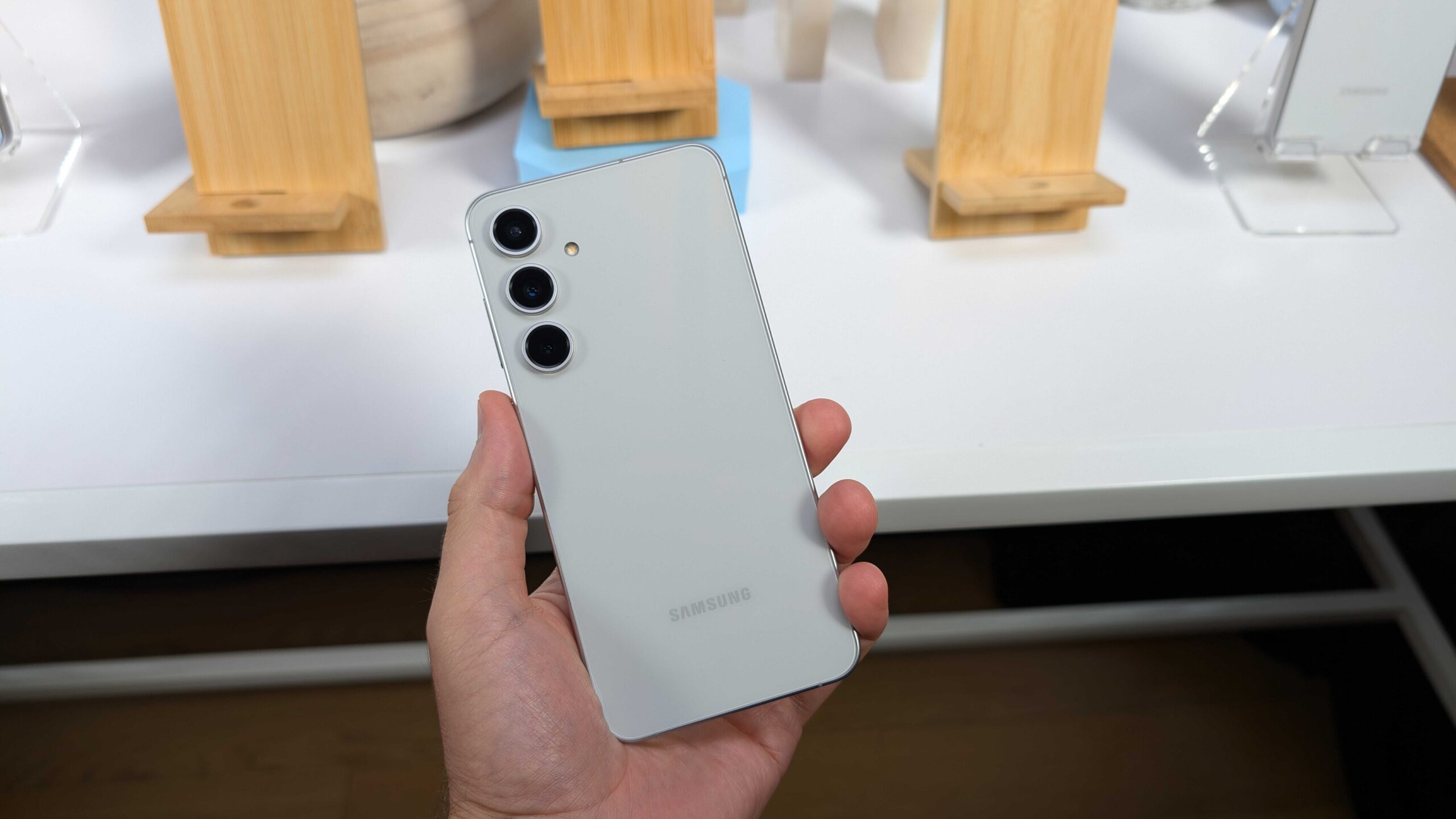
Samsung has been busy with its phone lineup lately. Just a short time after bringing out the Galaxy S25 FE, the company is already pushing its very first software fix to users. This mid-tier flagship is the last piece in the Galaxy S25 family puzzle, joining the regular trio and the slim Galaxy S25 Edge model.
The update is starting in Europe and should spread to other places soon. Folks with the Galaxy S25 FE won’t have to hold out for the newest software skin right away, since it came loaded with One UI 8 from day one – one of the rare Samsung phones to do so. This fresh patch carries the build number S731BXXU1AYIB.
It packs in the September 2025 security fix, along with tweaks for smoother running and better protection overall. The patch tackles a bunch of weak spots in the system that could let hackers in. Samsung has already sent this same September update to plenty of other phones worldwide.
Don’t look for any flashy new tricks here, though. Those are saved for the bigger One UI 8.5 jump, which early peeks suggest could bring some real changes. Shifting gears to what’s next, Samsung’s popular Galaxy A5x line keeps drawing crowds with its smart mix of features and wallet-friendly prices.
The Galaxy A56 only hit shelves a few months back, but word is already out on its follow-up, the Galaxy A57.Spotters caught the Galaxy A57 in the IMEI database, listed under the code SM-A576B/DS for the two-SIM version. It’s no big shock, as Samsung sticks to a yearly refresh for these hits.
Rumors point to the Galaxy A57 running on the fresh Exynos 1680 processor. Test scores show it packs a revamped brain for tasks and a graphics part that’s twice as strong as the one in the A56’s Exynos 1580. That could mean smoother games and quicker everyday stuff. The camera side might get a boos, too, though details are still fuzzy. Based on past patterns, expect the Galaxy A57 to drop in the early months of 2026, keeping the mid-range magic alive.
Galaxy A57 5G SM-A576B/DS spotted😁 pic.twitter.com/zsD5YHf0xE
— Erencan Yılmaz (@erenylmaz075) September 25, 2025
-
 News7 months ago
Samsung expands One UI 8 updates with new camera support, watch upgrade, and wider testing
-
 News7 months ago
Samsung testing One UI 8.5 on Galaxy A26 as Good Lock updates begin
-
News7 months ago
Samsung begins testing One UI 8.5 on Galaxy S22, Tab S9, and popular A-Series phones
-
 News7 months ago
Samsung Galaxy S26 and S28 to feature custom graphics alongside new Galaxy Buds 4 Pro
-

 News7 months ago
Samsung’s new three-way Folding phone faces real-world toughness tests
-
 News7 months ago
Samsung’s future phones to feature better satellite tech and powerful new chips
-
News7 months ago
Samsung tests new One UI 8.5 update on more phones
-

 News7 months ago
Google Updates: Quicker Photos Search, new emergency tools for India, and AI for your car