
Android
Android 17 might let you copy and paste across your phone and computer

Right now, when you copy a piece of text or a picture on your Android phone, that information only stays on your phone. If you want to use it on your computer or another tablet, you usually have to use a separate app to move it over. This hassle might soon be a thing of the past.
We have found signs that Google is developing a feature called “Universal Clipboard” that is expected to arrive with next year’s Android 17 update. This new tool would automatically share what you copy across all your connected Android devices.
How Copying Works on Android Now
Even though most people use apps like Gboard to copy and paste, the actual clipboard is a core service within the Android system. Any app can use it, but Google has added strict security rules over time.
For example, starting with Android 10, only the keyboard you use or the app you have open can read what you’ve copied. Later, Android 13 made things even safer by wiping out the clipboard history after one hour and telling you when an app tries to look at it. These steps are very important because people often copy sensitive details, like passwords or addresses.
The Current Workarounds
These security steps explain why sharing content between your phone and a Windows PC requires special tricks. For instance, if you use Microsoft’s SwiftKey keyboard, it can sync your clipboard with your Windows PC because Microsoft built that feature directly into their keyboard app.
Some other Android phones have a special built-in tool that can get around these security limits. This tool then sends the copied data to Microsoft’s Phone Link app, allowing the content to stream straight to your computer.
Google could easily create a similar solution using Play Services to connect Android phones and Chromebooks. While it’s unclear why they haven’t done so yet, their current focus on “Android PCs” means creating features that work across multiple devices is now a high priority. We’ve already seen clues that Google is building its own version of Apple’s Handoff feature, and Apple’s system includes a Universal Clipboard.
The New Universal Clipboard
To match what Apple offers, Google is creating its own Universal Clipboard for Android. They are using that exact name internally.
In the newest test versions of Android, Google added a new system component called UniversalClipboardManager, which is located next to other upcoming cross-device features. This shows that the work is underway. We believe that Google Play Services will eventually include a setting to turn on clipboard sharing among your connected Android devices.
On phones like the Pixel, a specific app, the Pixel System Service, will likely be in charge of reading the copied content. This app has special permission to check for changes to the clipboard.
The current setup suggests that it will only focus on sharing text for now—it won’t share images or other media yet. Once it finds new text, it sends a message to Google Play Services, which then moves the data to your linked PC using the new sharing system.
What This Means
This new setup should work both ways, letting you copy from your phone and paste on your PC, and vice versa. While it could eventually work with tablets and other devices, it seems Google is mainly focused on making it work between phones and PCs first.
We will have to wait for Google to officially announce all the details of its “Android on PC” project. However, based on what has been uncovered recently, we expect these useful new sharing features to come with the Android 17 update next year. This is a big step for Android and will give users the seamless, cross-device experience that people in the Apple ecosystem have enjoyed for many years.
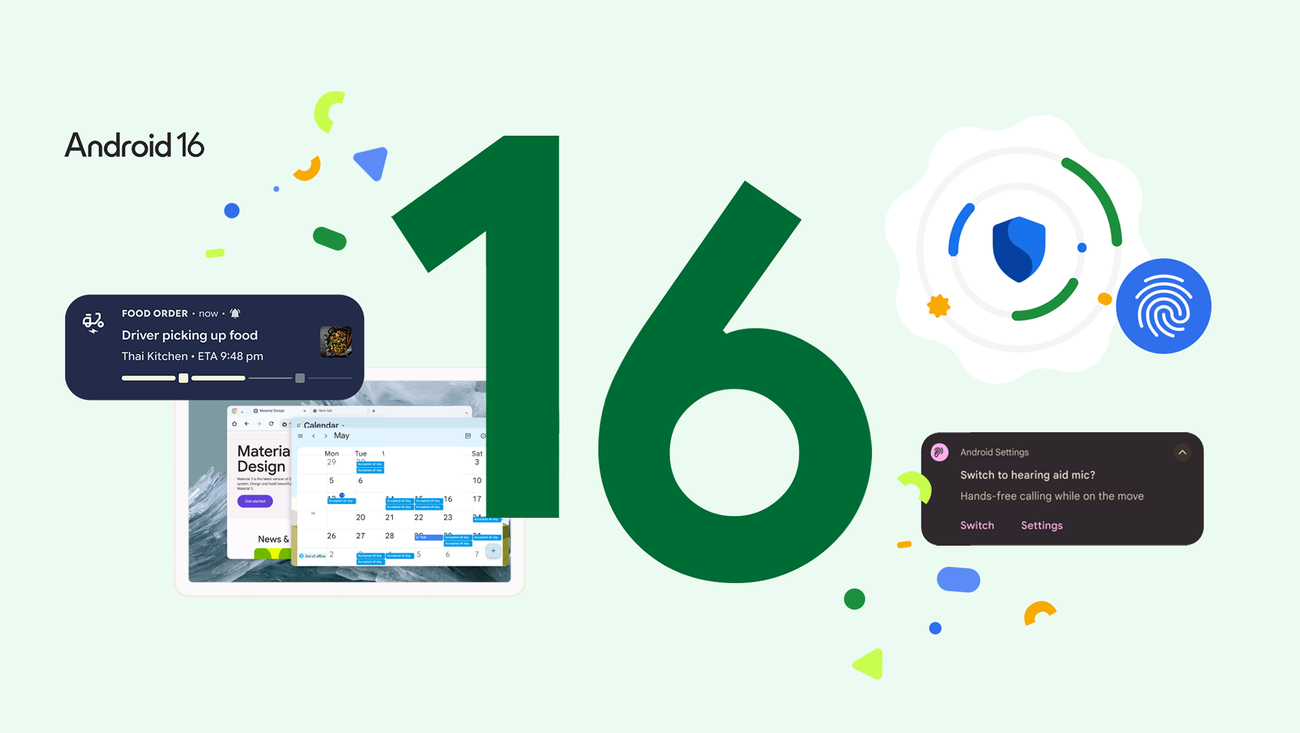
Google recently launched a small but important update for its latest software test, Android 16 QPR3 Beta 1.1. This new patch is primarily intended to address a frustrating issue where many apps would close or crash as soon as users attempted to open them.
If you are using a Pixel 6 or a newer model, this update should be available to you. While it is a tiny download—only about 60 MB—it makes a big difference for anyone who has been struggling to use their favorite apps over the last few days.
What is New in This Update?
This update is what experts call a “hotfix.” Its main job is to repair a specific mistake from the previous version. Specifically, it stops various apps from crashing immediately upon startup. This was a major headache for testers using apps like Microsoft Teams, Outlook, and Adobe Acrobat, which were reportedly failing to open for many people.
Beyond the bug fixes, the broader Android 16 test version includes several cool changes for Pixel owners:
- Flashlight Control: You can now slide a bar to change how bright your flashlight is, instead of just turning it on and off.
- Cleaner Home Screen: For the first time, Google is letting users hide the “At a Glance” widget (the one that shows the date and weather) to make more room for their own icons.
- Better Location Privacy: A new blue dot appears in the top bar to show you exactly when an app is tracking your location.
- New Buttons: You can now swap the order of the “back” and “recent apps” buttons at the bottom of the screen.
A Warning Before You Update
Even though this patch fixes a lot of problems, Google has a warning for those who might want to go back to the regular, stable version of Android. If you install this update and then decide you want to leave the Beta program, your phone will have to be completely wiped, and you will lose all your data.
If you are planning to stop testing the software soon, it is better to opt out now and skip this specific update. Otherwise, you will need to wait a few more months for the next “safe” window to switch back without losing your files.
For those staying on the test track, you can find the update by going to your phone’s Settings, then System, and tapping System update.
If you own a Google Pixel and have recently updated to Android 16 QPR3 Beta 1, you might find it hard to take clear photos. Many users are reporting that their cameras are having a tough time focusing, making pictures look blurry or shaky.
This problem seems to happen most often when people try to take high-resolution 50MP photos. Users have shared their experiences on sites like Reddit and Google’s own bug tracker, explaining that the camera starts acting up as soon as they switch to the higher quality setting. Some say the camera lens even seems to “flutter” or vibrate while trying to find a focus point, which makes it almost impossible to get a steady shot.
The good news is that this doesn’t seem to be a hardware problem where the camera is physically broken. Instead, it appears to be a bug in the new software. Most people find that the camera still works fine if they stick to the standard 12MP mode or use the ultra-wide lens. Because the issue only started right after the update, it is clear that the software is the cause.
Google has already noticed the complaints and is looking into the situation. Since this is a beta version of Android—which is basically a test version—bugs like this are common. Developers use these reports to find and fix mistakes before the final version of the software is released to everyone.
For now, if your camera is acting weird, you might want to switch your settings back to 12MP. While it’s not a perfect fix, it should allow you to keep taking photos until Google releases a small update to solve the problem. This is a good reminder that while testing new features early is exciting, it can sometimes come with a few headaches.
Google has had a very busy week, releasing a major software update for current Pixel owners while also giving us a sneak peek at what is coming next year. If you own a Pixel phone, there is a lot to be excited about, ranging from immediate security fixes to some long-requested changes that make the phone much easier to customize.
To start with the things you can use right now, Google has released the December 2025 security patch. This update is mainly about making your phone run smoothly and keeping it safe from digital threats. It fixes several bugs that users have been reporting and improves how the camera and the cellular connection work. It is the kind of update that doesn’t look flashy but makes your daily experience much more reliable.
Beyond the regular update, Google also launched a test version of the next big software release, known as Android 16 QPR3 Beta 1. One of the most exciting things found in this version is a new option for the home screen. For years, Pixel users have been stuck with the “At a Glance” widget at the top of their screen, whether they wanted it there or not. Now, it looks like Google is finally going to let people remove it. This is a huge win for anyone who likes a clean, minimal home screen and wants to choose their own widgets instead of using what Google provides by default.
Privacy is also getting a nice boost in this new software. Currently, when an app uses your location, you see a small icon at the top of your phone. In the new update, Google is making this even more helpful. You will soon be able to tap that icon to see exactly which app is tracking your location at that very moment. This makes it much harder for apps to sneakily follow your movements without you noticing.
For those who care about speed and gaming, the new software code also revealed some secrets about the upcoming Pixel 10. It appears that Google is working on a major upgrade for the graphics chip in its next phone. This suggests that the Pixel 10 will be much better at handling high-end games and heavy tasks compared to older models. By updating the software drivers early, Google is making sure the hardware is ready to perform at its best as soon as it launches.
Overall, these updates show that Google is listening to what people want. Between fixing current bugs, giving users more control over their home screens, and making privacy more transparent, the Pixel experience is becoming much more personal. Whether you are looking for a more stable phone today or a more powerful one tomorrow, there is plenty of good news to go around.
-
 News7 months ago
Samsung expands One UI 8 updates with new camera support, watch upgrade, and wider testing
-
 News7 months ago
Samsung testing One UI 8.5 on Galaxy A26 as Good Lock updates begin
-
News7 months ago
Samsung begins testing One UI 8.5 on Galaxy S22, Tab S9, and popular A-Series phones
-
 News7 months ago
Samsung Galaxy S26 and S28 to feature custom graphics alongside new Galaxy Buds 4 Pro
-
 News7 months ago
Samsung’s new three-way Folding phone faces real-world toughness tests
-
 News7 months ago
Samsung’s future phones to feature better satellite tech and powerful new chips
-
News7 months ago
Samsung tests new One UI 8.5 update on more phones
-

 News7 months ago
Google Updates: Quicker Photos Search, new emergency tools for India, and AI for your car