
Android
Android’s app installer finally gets a fresh new look (Here’s What Changed)

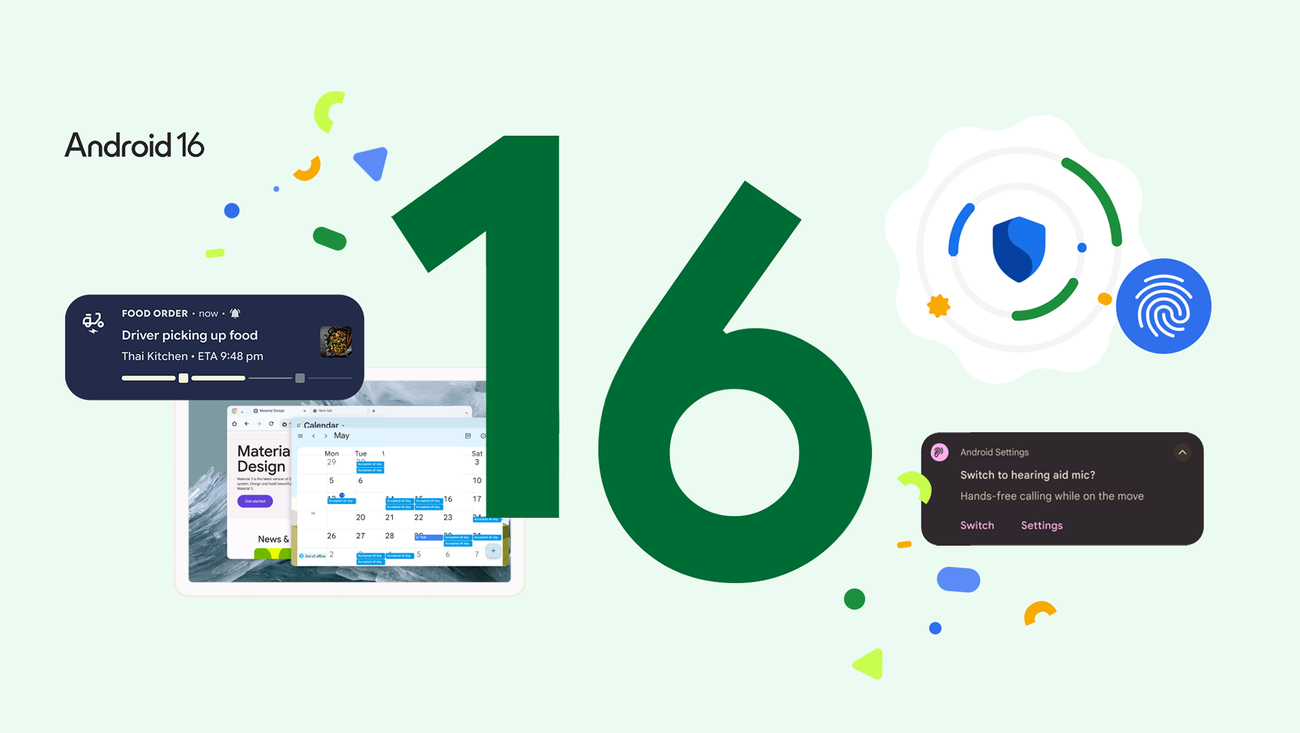
Google has recently worked hard to refresh the entire look and feel of the Android operating system, bringing in a modern design style often referred to as “Material 3 Expressive.” They updated almost every screen you use, from the list of notifications that drop down to the main Settings menu.
However, during this big makeover, they missed a small but important piece: the “Package Installer.” This is the window that pops up whenever you try to install an application from a source other than the official Google Play Store, a process many people call “sideloading.”
Now, with the newest software release, Android 16 QPR2, Google has finally given the Package Installer the update it needed to match the rest of the phone’s system. When a developer named Rob Wainwright received this latest update, they noticed the screens that appear during an app installation look much cleaner.
The biggest change is how the information is laid out. Previously, the app’s name and its picture were shown right at the top of the box. In the new design, Google has moved this information down to the center. This slight shift helps draw your attention to the most important part of the screen: the action you are taking, such as the question, “Install this app?” or the message, “Installing…” This makes the purpose of the screen clearer right away.
The buttons used to finish or cancel the installation are also much improved. The old screen used plain text buttons that relied only on color to show you could click them. The new design uses clear, shaped buttons. Key actions, like “Install” or “Open,” now use solid, filled-in buttons, while secondary options, like “Cancel” or “Done,” use buttons that look slightly raised. This change makes it much easier for you to quickly see and choose the main action. Even the line that shows the installation progress is updated with a newer, smoother design.
One detail that stands out is that the separate screen where the system asks you to give an app permission to install other apps didn’t get this full design update and still looks like the old version. This might simply be a small detail Google overlooked.
It is important to know that you will need a full operating system update—the Android 16 QPR2 release—to see these changes. This is because the Package Installer is a core part of the system that cannot be updated through a standard Google Play System Update, unlike some other parts of Android.
Google recently launched a small but important update for its latest software test, Android 16 QPR3 Beta 1.1. This new patch is primarily intended to address a frustrating issue where many apps would close or crash as soon as users attempted to open them.
If you are using a Pixel 6 or a newer model, this update should be available to you. While it is a tiny download—only about 60 MB—it makes a big difference for anyone who has been struggling to use their favorite apps over the last few days.
What is New in This Update?
This update is what experts call a “hotfix.” Its main job is to repair a specific mistake from the previous version. Specifically, it stops various apps from crashing immediately upon startup. This was a major headache for testers using apps like Microsoft Teams, Outlook, and Adobe Acrobat, which were reportedly failing to open for many people.
Beyond the bug fixes, the broader Android 16 test version includes several cool changes for Pixel owners:
- Flashlight Control: You can now slide a bar to change how bright your flashlight is, instead of just turning it on and off.
- Cleaner Home Screen: For the first time, Google is letting users hide the “At a Glance” widget (the one that shows the date and weather) to make more room for their own icons.
- Better Location Privacy: A new blue dot appears in the top bar to show you exactly when an app is tracking your location.
- New Buttons: You can now swap the order of the “back” and “recent apps” buttons at the bottom of the screen.
A Warning Before You Update
Even though this patch fixes a lot of problems, Google has a warning for those who might want to go back to the regular, stable version of Android. If you install this update and then decide you want to leave the Beta program, your phone will have to be completely wiped, and you will lose all your data.
If you are planning to stop testing the software soon, it is better to opt out now and skip this specific update. Otherwise, you will need to wait a few more months for the next “safe” window to switch back without losing your files.
For those staying on the test track, you can find the update by going to your phone’s Settings, then System, and tapping System update.
If you own a Google Pixel and have recently updated to Android 16 QPR3 Beta 1, you might find it hard to take clear photos. Many users are reporting that their cameras are having a tough time focusing, making pictures look blurry or shaky.
This problem seems to happen most often when people try to take high-resolution 50MP photos. Users have shared their experiences on sites like Reddit and Google’s own bug tracker, explaining that the camera starts acting up as soon as they switch to the higher quality setting. Some say the camera lens even seems to “flutter” or vibrate while trying to find a focus point, which makes it almost impossible to get a steady shot.
The good news is that this doesn’t seem to be a hardware problem where the camera is physically broken. Instead, it appears to be a bug in the new software. Most people find that the camera still works fine if they stick to the standard 12MP mode or use the ultra-wide lens. Because the issue only started right after the update, it is clear that the software is the cause.
Google has already noticed the complaints and is looking into the situation. Since this is a beta version of Android—which is basically a test version—bugs like this are common. Developers use these reports to find and fix mistakes before the final version of the software is released to everyone.
For now, if your camera is acting weird, you might want to switch your settings back to 12MP. While it’s not a perfect fix, it should allow you to keep taking photos until Google releases a small update to solve the problem. This is a good reminder that while testing new features early is exciting, it can sometimes come with a few headaches.
Google has had a very busy week, releasing a major software update for current Pixel owners while also giving us a sneak peek at what is coming next year. If you own a Pixel phone, there is a lot to be excited about, ranging from immediate security fixes to some long-requested changes that make the phone much easier to customize.
To start with the things you can use right now, Google has released the December 2025 security patch. This update is mainly about making your phone run smoothly and keeping it safe from digital threats. It fixes several bugs that users have been reporting and improves how the camera and the cellular connection work. It is the kind of update that doesn’t look flashy but makes your daily experience much more reliable.
Beyond the regular update, Google also launched a test version of the next big software release, known as Android 16 QPR3 Beta 1. One of the most exciting things found in this version is a new option for the home screen. For years, Pixel users have been stuck with the “At a Glance” widget at the top of their screen, whether they wanted it there or not. Now, it looks like Google is finally going to let people remove it. This is a huge win for anyone who likes a clean, minimal home screen and wants to choose their own widgets instead of using what Google provides by default.
Privacy is also getting a nice boost in this new software. Currently, when an app uses your location, you see a small icon at the top of your phone. In the new update, Google is making this even more helpful. You will soon be able to tap that icon to see exactly which app is tracking your location at that very moment. This makes it much harder for apps to sneakily follow your movements without you noticing.
For those who care about speed and gaming, the new software code also revealed some secrets about the upcoming Pixel 10. It appears that Google is working on a major upgrade for the graphics chip in its next phone. This suggests that the Pixel 10 will be much better at handling high-end games and heavy tasks compared to older models. By updating the software drivers early, Google is making sure the hardware is ready to perform at its best as soon as it launches.
Overall, these updates show that Google is listening to what people want. Between fixing current bugs, giving users more control over their home screens, and making privacy more transparent, the Pixel experience is becoming much more personal. Whether you are looking for a more stable phone today or a more powerful one tomorrow, there is plenty of good news to go around.
-
 News6 months ago
Samsung expands One UI 8 updates with new camera support, watch upgrade, and wider testing
-
 News6 months ago
Samsung testing One UI 8.5 on Galaxy A26 as Good Lock updates begin
-
News6 months ago
Samsung begins testing One UI 8.5 on Galaxy S22, Tab S9, and popular A-Series phones
-
 News6 months ago
Samsung Galaxy S26 and S28 to feature custom graphics alongside new Galaxy Buds 4 Pro
-
 News6 months ago
Samsung’s new three-way Folding phone faces real-world toughness tests
-
 News6 months ago
Samsung’s future phones to feature better satellite tech and powerful new chips
-
News6 months ago
Samsung tests new One UI 8.5 update on more phones
-
 Android6 months ago
Google releases quick fix for Pixel phones to stop apps from crashing