
News
Google Messages is getting a ‘Trash’ folder and easier menus, while YouTube on TV changes how you pick an account


Google is always looking for ways to improve its most-used apps. Two major platforms, Google Messages and YouTube for Android TV, are currently seeing important changes that will make them simpler and more useful. These updates are all about giving users more control and a more comfortable experience, whether they are texting a friend or sitting down to watch a video.
Making Google Messages Better
Google Messages is getting two major upgrades that improve how you manage your chats and interact with the app.
A Safety Net for Deleted Texts (The Trash Folder)
Have you ever accidentally deleted a text message and immediately regretted it? As the app works now, when you delete a conversation, it’s gone for good right away. But that’s about to change.
Google is adding a new feature that works like a safety net: a “Trash” folder. When you choose to delete a message or conversation, it won’t be instantly wiped out. Instead, it will sit in this Trash area for about 30 days. This is just like how the Trash works in the Gmail app. This grace period gives you a full month to find and recover any messages you mistakenly deleted before they are removed forever.
Easier Buttons for Bigger Phones (The New Menu)
Modern phones have very large screens, which makes it hard to use all the features at the top of the display with just one hand. Google is fixing this problem in the Messages app.
The app will now replace the current main menu (which is usually hard to reach at the top of the screen) with a new, temporary menu that pops up right below a message when you press and hold it. This new design is much easier to reach with your thumb.
It puts important actions like “Reply,” “Forward,” “Copy,” “Star,” “Delete,” and “Select more” all in one simple, convenient place. This new design also makes it clearer when you select multiple messages. Instead of confusing shading, you will see a simple checkmark next to every message you pick, so you always know exactly what you’ve chosen. The options in this new menu can also change based on what you select. For instance, if you hold down on a picture, you will also see a “Save” button.
Picking Your Profile on YouTube for Android TV
If you watch YouTube on a shared device, like a streaming box, stick, or Android TV, getting into the right account is about to become a lot easier. The YouTube app now asks you “Who’s watching?” right when you open it for the first time after a fresh start.
This new process makes the YouTube experience feel much more like other popular streaming services, such as Netflix or Disney+. If you have more than one person logged into the TV, you’ll see a screen that asks you to choose which profile you want to use. This is very helpful for keeping everyone’s watch history and video suggestions completely separate. You will also see clear buttons to use a “Guest” profile or add a new account.
If you don’t choose an account quickly, the app will just sign in with the highlighted profile automatically after a little wait. Also, once you pick an account, the app remembers your choice. If you close and quickly reopen the app, it will skip the account picker and jump right back into the last profile you used.
These updates show that Google is focused on improving the day-to-day feel of its most popular applications. By adding a way to recover lost text messages and making shared TV viewing simpler, these changes will make a difference in how people interact with their devices every day.
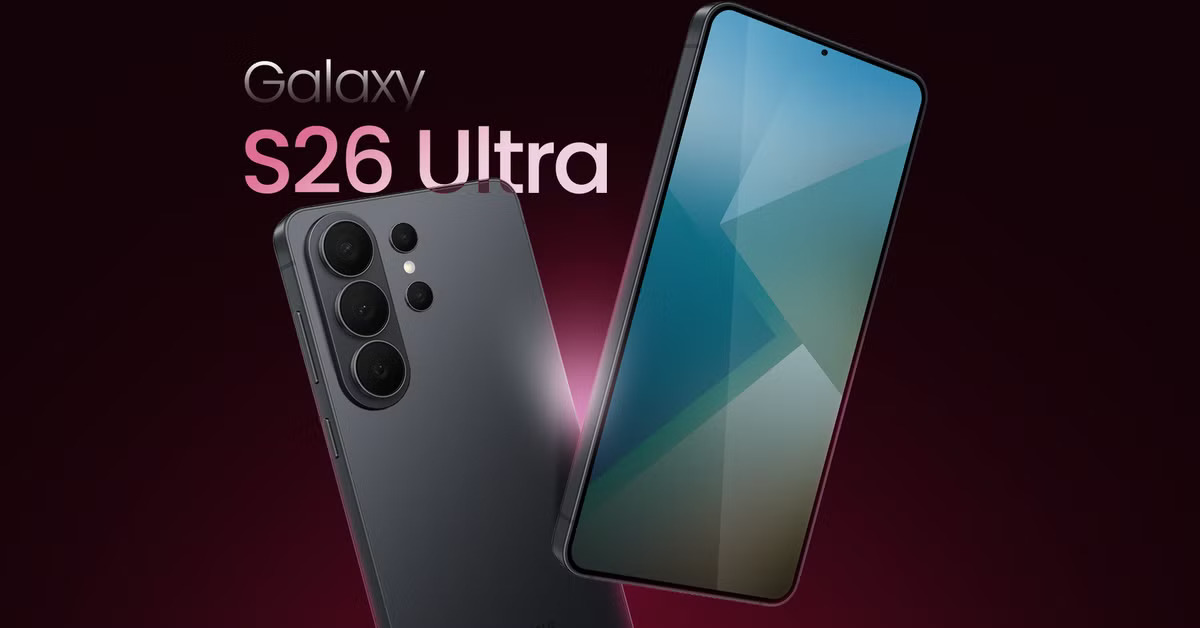
Samsung is working on big technology updates for its next two generations of flagship phones. These changes focus on making the Galaxy S26 and Galaxy S27 series faster, more reliable, and better at keeping you connected even in remote areas.
Better Connections for the Galaxy S26
The upcoming Galaxy S26 is expected to feature a new 5G modem called the Exynos 5410. This modem is a significant step forward because it improves how the phone talks to satellites. While older models could only use basic satellite features, this new version supports a technology called “Direct-to-Cell.”
This means that if you are in a place with no cell towers—like deep in the woods or out at sea—you could still make phone calls, send text messages, and share your location. It works by connecting your phone directly to satellites in space. Additionally, the new modem is designed to be more efficient, which should help your battery last longer while you’re using the internet.
A Major Power Boost for the Galaxy S27
Looking further ahead to 2027, the Galaxy S27 is rumored to receive an even bigger upgrade. Samsung is developing a new brain for the phone, likely called the Exynos 2700. This chip will be built using a very advanced “2-nanometer” process. In simple terms, this makes the chip much smaller and more powerful, allowing the phone to run faster without getting as hot.
One of the most exciting parts of this future chip is the graphics. Samsung is moving away from using other companies’ designs and is building its own graphics processor (GPU) from scratch. This should make mobile gaming much smoother and improve how the phone handles smart AI features.
What This Means for Users
Samsung is trying to take more control over the parts inside its phones. By building its own modems and processors, the company can make sure everything works perfectly together. For people buying these phones in the coming years, it means better emergency safety features through satellite tech and a much more powerful experience for gaming and daily tasks.
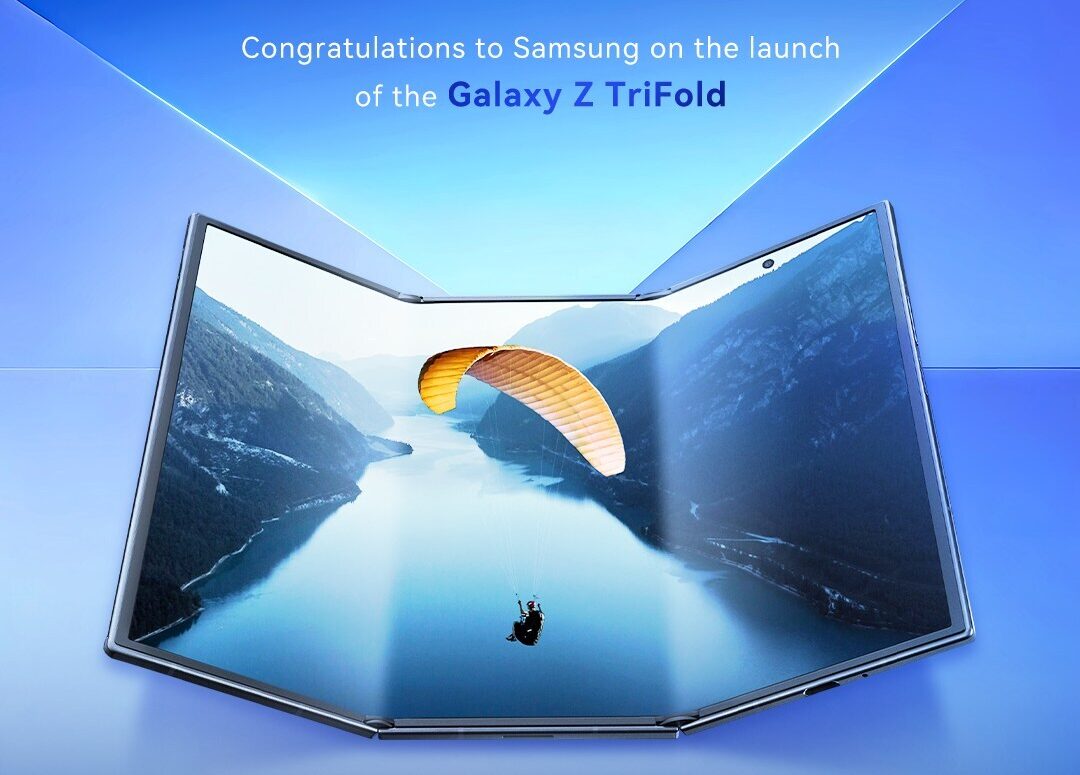
Samsung recently released its first-ever triple-folding phone, the Galaxy Z TriFold. While the device is a marvel of engineering, recent hands-on tests show it might not be as sturdy as the company’s more traditional folding phones. In a series of intense durability challenges, the TriFold struggled when pushed to its limits. Unlike the Galaxy Z Fold 7, which can handle quite a bit of pressure, the TriFold showed signs of damage relatively quickly.
One major test involved folding and unfolding the phone thousands of times. Samsung claims the device can survive 200,000 folds, but a live test by a group of tech reviewers showed the hinges starting to act up much sooner. One hinge began creaking after about 61,000 folds, and the second one followed at 121,000. By the time they hit roughly 145,000 folds, the hinges lost their “springiness,” making it hard for the phone to stay flat or close properly. While the screen itself kept working, the mechanical parts were clearly wearing out.
Beyond the folding tests, the phone also faced a “bend test” where it was forced in the wrong direction. Unfortunately, the TriFold didn’t survive this as well as previous models; the frame snapped and the screen pixels went dark with a reasonable amount of force. It seems that having more hinges and a thinner body makes the device more vulnerable to physical accidents.
Business-wise, Samsung isn’t too worried about these early hiccups or even the fact that they aren’t making much money on the TriFold right now. They view it as a “statement piece”—a way to show the world they can build technology that others can’t. The phone is only being sold in very small numbers, which helps keep it exclusive.
However, the company is feeling some pressure regarding its next big standard release, the Galaxy S26. With the costs of parts like processors and cameras going up, Samsung is looking for ways to keep prices fair for customers without losing money. While the TriFold is a cool look into the future, the success of their upcoming regular flagship phones is what really keeps the company steady. For now, the TriFold remains an impressive but delicate piece of tech for early adopters who are willing to be extra careful with it.
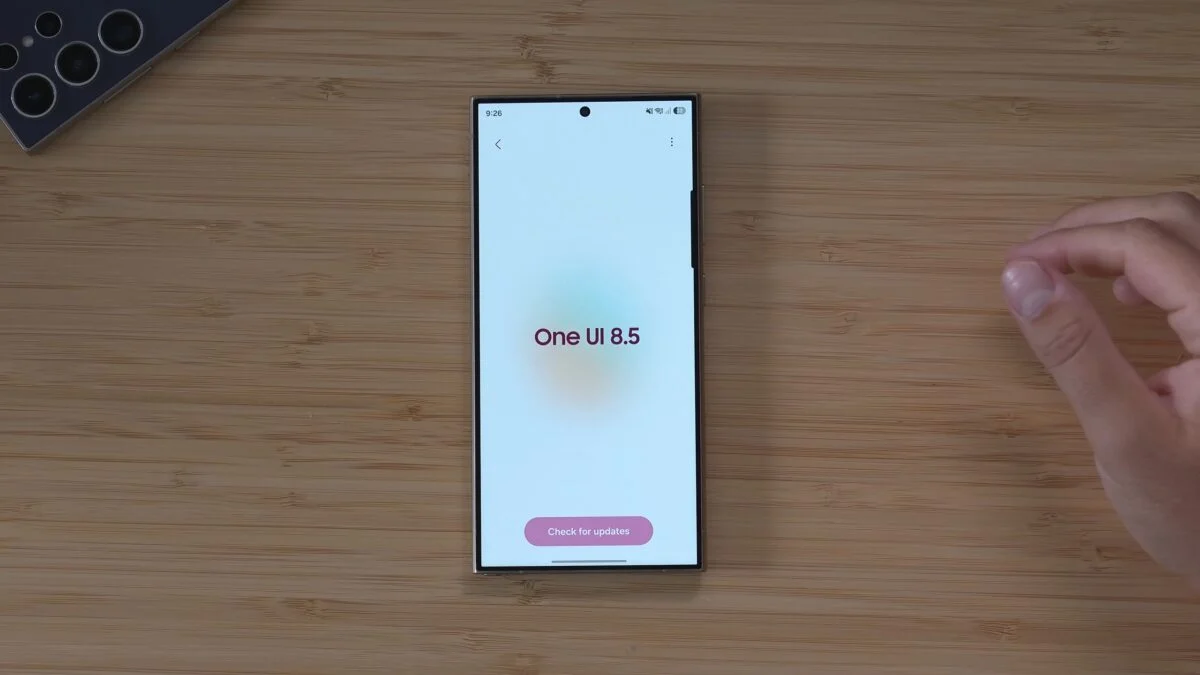
Samsung is making great progress with its next big software update, One UI 8.5. This version, based on Android 16, is already being tested on several devices, bringing better looks and new features to Galaxy users.
New Testing for Galaxy A26 and Others
Samsung has officially started internal testing for the Galaxy A26 5G. This is an important step because it shows that even mid-range phones are being prepared for the new software. The testing is also happening for other models like the Galaxy A35, A53, and A33. While high-end phones usually get the newest tools first, these more affordable models will still enjoy smoother animations and a fresh look.
Customization Updates with Good Lock
For people who love to change how their phone looks, there is some good news about the Good Lock app. Samsung has released a new version of the QuickStar module that works with the One UI 8.5 Beta. This tool lets you change things like the icons at the top of your screen.
However, some other tools are still being worked on. For example, modules like LockStar and Home Up—which help you customize your lock screen and home screen—don’t fully work yet on the test version. Samsung is busy fixing these so they will be ready for everyone soon.
What to Expect Next
The One UI 8.5 update is expected to launch officially with the Galaxy S26 series early next year. After that, it will slowly roll out to many other Galaxy phones and tablets throughout 2026. The new software focuses on making the phone feel faster and look more modern, using “blur” effects and colorful cards to make the menus more attractive.
-
 News7 months ago
Samsung expands One UI 8 updates with new camera support, watch upgrade, and wider testing
-
 News7 months ago
Samsung testing One UI 8.5 on Galaxy A26 as Good Lock updates begin
-
News7 months ago
Samsung begins testing One UI 8.5 on Galaxy S22, Tab S9, and popular A-Series phones
-
 News7 months ago
Samsung Galaxy S26 and S28 to feature custom graphics alongside new Galaxy Buds 4 Pro
-

 News7 months ago
Samsung’s new three-way Folding phone faces real-world toughness tests
-
 News7 months ago
Samsung’s future phones to feature better satellite tech and powerful new chips
-
News7 months ago
Samsung tests new One UI 8.5 update on more phones
-

 News7 months ago
Google Updates: Quicker Photos Search, new emergency tools for India, and AI for your car