
Apple
How phishing scammers are exploiting a quirky iMessage feature

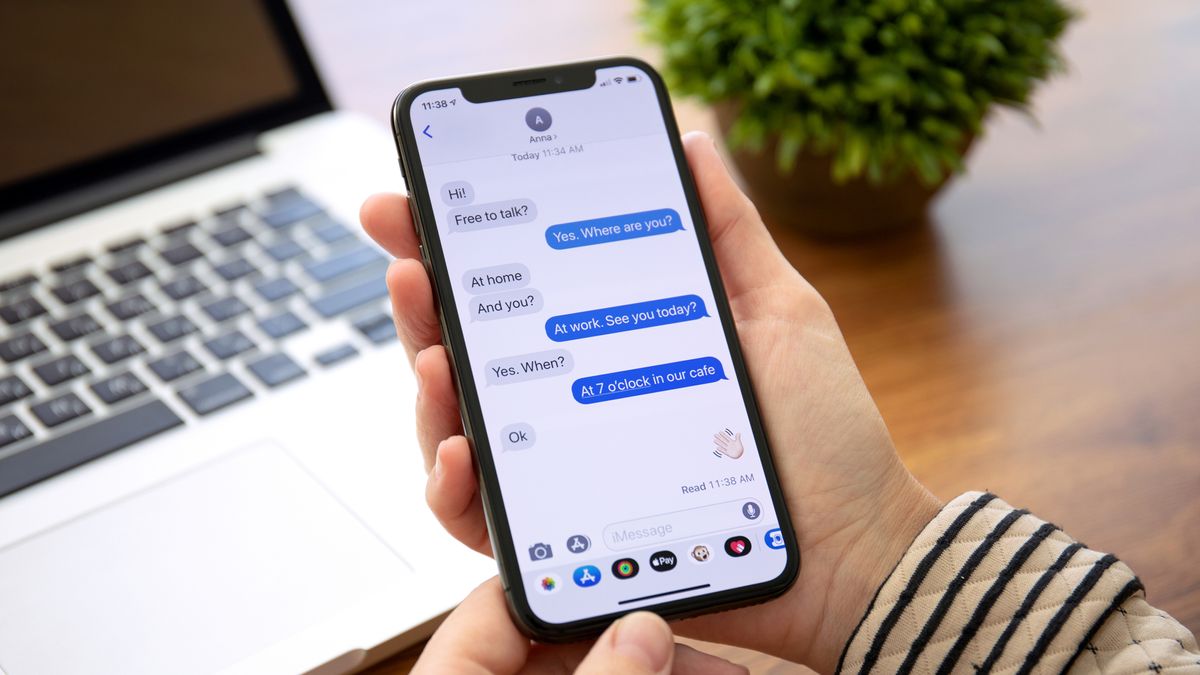
The digital world, for all its convenience, is a battlefield. Lurking in the shadows are cybercriminals constantly devising new ways to pilfer personal information. A recent trend has emerged, targeting iPhone users with a clever social engineering tactic that exploits a little-known iMessage behavior. This isn’t a sophisticated technical hack, but rather a manipulation of human behavior, making it all the more insidious.
The core of the issue lies in how iMessage handles links from unknown senders. For security reasons, iMessage automatically disables hyperlinks in messages from numbers not saved in your contacts. This is a crucial defense against phishing attempts, preventing accidental clicks on malicious websites. However, a loophole exists: if the recipient replies to the message or adds the sender to their contacts, those previously inactive links suddenly become live. And this is precisely what scammers are now exploiting.
Imagine receiving a text message seemingly from a reputable organization, perhaps a delivery service like FedEx or a local toll authority. The message might claim a missed delivery or an outstanding balance, prompting immediate action. Crucially, the message includes a link, but initially, it’s not clickable. The message might also include a seemingly innocuous instruction, such as “Reply STOP to unsubscribe” or “Reply NO to decline.” This is the hook.
The scammers are banking on the user’s natural inclination to respond, especially if the message creates a sense of urgency or concern. By replying, even with a simple “STOP” or “NO,” the user inadvertently activates the embedded link. This seemingly harmless action opens the door for the scammers to direct the victim to a fraudulent website designed to steal personal data, such as login credentials, credit card numbers, or other sensitive information.
This tactic preys on the familiarity of legitimate business practices. Many companies use automated text messages for notifications, often including instructions to reply with specific keywords. Scammers are mimicking this practice, creating a sense of legitimacy and trust. The surge in SMS phishing (smishing) attacks asking recipients to reply with “Y” to “activate” supposedly legitimate links further blurs the lines.
The implications are significant. While tech-savvy users might quickly recognize these attempts for what they are, less experienced users, particularly older individuals, are significantly more vulnerable. They may not be aware of this specific iMessage behavior and are more likely to fall for the social engineering trick.
So, how can you protect yourself? The most effective defense is simple: never reply to suspicious messages from unknown senders. If you receive a message from an unfamiliar number containing a link, regardless of how urgent or official it appears, resist the urge to respond. If you are genuinely concerned about a potential issue with a delivery or account, contact the organization directly through their official website or phone number, not through the information provided in the suspicious message.
Beyond this crucial advice, iPhone and iPad users can also utilize message filtering. This feature sorts messages from non-contacts into a separate list within the Messages app, providing a clearer view of potential spam. To enable this, go to Settings > Messages and toggle on “Filter Unknown Senders.” This won’t block the messages entirely, but it will help you manage them more effectively.
It’s important to remember that message filtering isn’t foolproof. Legitimate messages from delivery services, banks, or other essential services might occasionally end up in the filtered list. Therefore, it’s crucial to exercise caution and not automatically dismiss a filtered message as malicious. However, as previously stated, you cannot click links in messages from unknown senders until you either add them to your contacts or reply to their message, and this is a deliberate security measure.
In the ever-evolving landscape of cyber threats, vigilance is key. By understanding how these scams operate and adopting simple precautionary measures, you can significantly reduce your risk of falling victim to these subtle yet effective phishing attacks. The key takeaway is to be skeptical, avoid reacting impulsively to messages from unknown sources, and always verify information through official channels.

Moving from an Android phone to an iPhone—or the other way around—can often feel like a big chore. Right now, when you get a new phone, moving all your important information over from the old phone can be a complicated mess. However, it seems that Google and Apple are working together to fix this, making the switch between the two types of phones much smoother.
We recently got a sneak peek into the future by looking closely at the code of Google’s Android Switch app. This app is what helps people move their data from an iPhone to a new Android device, like a Pixel. What we found inside the hidden code suggests that several new types of personal information might soon be able to transfer automatically.
Currently, when you switch phones, basic items like photos, videos, contacts, and calendar dates usually move over. But things that make your phone yours often get left behind.
The new code hints that the following items could soon be included in the transfer process:
- Accessibility Settings: These are the special settings people use to make their phone easier to operate, such as larger text sizes or specific display settings. Being able to transfer these means you won’t have to spend time setting up your phone just to be able to use it comfortably.
- Music Playlists: If you have music lists on your iPhone, the updated system might allow them to move to a service like YouTube Music on your Android device.
- Passwords and Passkeys: This is a big one. Right now, you usually have to sign back into every single app manually. Soon, the system could automatically bring over your saved login details and newer “Passkeys,” providing a truly seamless experience.
- Wallet Cards: Moving credit and debit cards from one digital wallet (like Apple Wallet) to another (like Google Wallet) is not possible today, but the code suggests this convenience could be added.
- Wi-Fi Credentials: While your phone might remember the name of your home Wi-Fi, it often doesn’t remember the password, forcing you to type it in again. The change suggests the actual Wi-Fi passwords will transfer over, making it so your new phone connects instantly.
It’s important to remember that this information comes from looking at code that hasn’t been released yet. So, while it shows what Google and Apple are planning, we need to wait for an official announcement to know exactly how and when these improvements will become available.
Since the two companies are working together, these features are likely to help users switch from Android to iPhone, too. Once these changes arrive, getting a new phone won’t mean starting from scratch anymore.

A key screen supplier, BOE, is running into serious trouble providing the special display panels (OLED screens) for Apple’s newest phone lineup, the iPhone 17. Because of these technical setbacks, a main competitor, Samsung Display, is now expected to land a much bigger supply deal with Apple.
Sources familiar with the matter confirm that BOE has faced quality control and technical difficulties that it has not yet managed to fix. This means the company will be unable to deliver the display panels it was planning to ship this year. As a direct result, Samsung Display will likely be stepping in to cover the missing supply needed to build the phones.
The iPhone 17 is Apple’s current flagship model and is available in four versions: the standard, Air, Pro, and Pro Max. Apple is expecting to ship more than 90 million units of this new series throughout the year. The screens for these devices are usually provided mainly by Samsung Display and LG Display. At the moment, Samsung provides displays for all four models, while LG supplies three of the versions, not including the Pro.
BOE had originally planned to provide screens, specifically for the high-end iPhone 17 Pro models in the Chinese market. The main issue stems from Apple’s decision to use a more advanced screen feature called LTPO across the entire iPhone 17 series this year. This proved to be a major hurdle for BOE, which did not have prior experience making LTPO panels for Apple.
After many months of work, BOE finally received approval to start large-scale production in the early third quarter, to supply up to ten million panels. However, problems with reliability kept happening. By mid-November, these ongoing issues were still not solved. Due to these failures, BOE’s expected total shipments, which could have reached 40 million screens, will now be significantly lower.
Samsung Display is currently bridging this gap. Its screen supply to Apple is expected to increase from an initial 80 million panels to roughly 90 million this year. This is a critical move that will ensure Apple can still meet its manufacturing targets for all four iPhone 17 models without delay.
With BOE struggling to deliver, Samsung Display is now set to further solidify its position as Apple’s most important partner for OLED screens. The company stands to gain more business and maintain its lead in the competitive iPhone screen market throughout 2025.
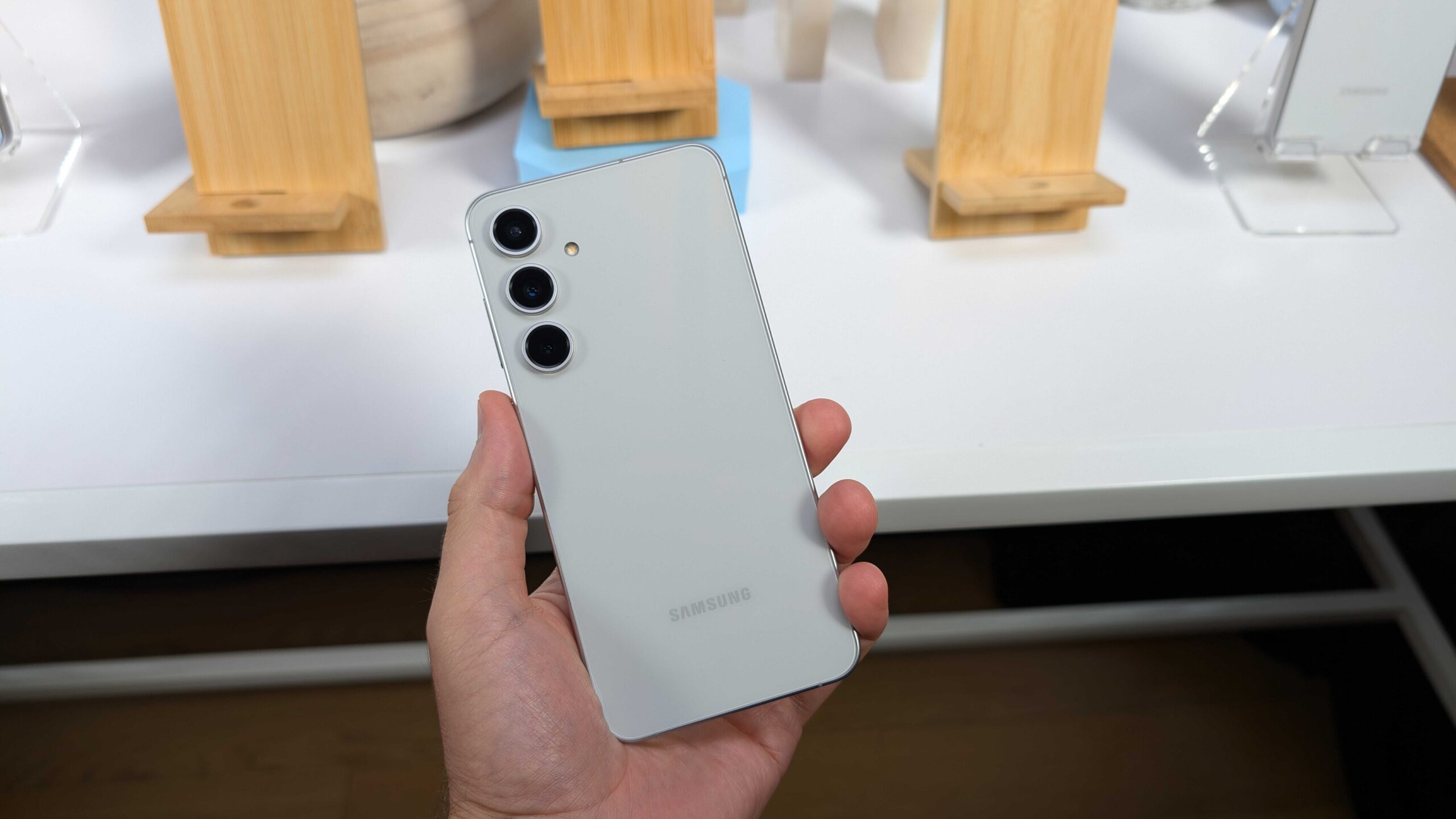
Samsung has been busy with its phone lineup lately. Just a short time after bringing out the Galaxy S25 FE, the company is already pushing its very first software fix to users. This mid-tier flagship is the last piece in the Galaxy S25 family puzzle, joining the regular trio and the slim Galaxy S25 Edge model.
The update is starting in Europe and should spread to other places soon. Folks with the Galaxy S25 FE won’t have to hold out for the newest software skin right away, since it came loaded with One UI 8 from day one – one of the rare Samsung phones to do so. This fresh patch carries the build number S731BXXU1AYIB.
It packs in the September 2025 security fix, along with tweaks for smoother running and better protection overall. The patch tackles a bunch of weak spots in the system that could let hackers in. Samsung has already sent this same September update to plenty of other phones worldwide.
Don’t look for any flashy new tricks here, though. Those are saved for the bigger One UI 8.5 jump, which early peeks suggest could bring some real changes. Shifting gears to what’s next, Samsung’s popular Galaxy A5x line keeps drawing crowds with its smart mix of features and wallet-friendly prices.
The Galaxy A56 only hit shelves a few months back, but word is already out on its follow-up, the Galaxy A57.Spotters caught the Galaxy A57 in the IMEI database, listed under the code SM-A576B/DS for the two-SIM version. It’s no big shock, as Samsung sticks to a yearly refresh for these hits.
Rumors point to the Galaxy A57 running on the fresh Exynos 1680 processor. Test scores show it packs a revamped brain for tasks and a graphics part that’s twice as strong as the one in the A56’s Exynos 1580. That could mean smoother games and quicker everyday stuff. The camera side might get a boos, too, though details are still fuzzy. Based on past patterns, expect the Galaxy A57 to drop in the early months of 2026, keeping the mid-range magic alive.
Galaxy A57 5G SM-A576B/DS spotted😁 pic.twitter.com/zsD5YHf0xE
— Erencan Yılmaz (@erenylmaz075) September 25, 2025
-
 News7 months ago
Samsung expands One UI 8 updates with new camera support, watch upgrade, and wider testing
-
 News7 months ago
Samsung testing One UI 8.5 on Galaxy A26 as Good Lock updates begin
-
News7 months ago
Samsung begins testing One UI 8.5 on Galaxy S22, Tab S9, and popular A-Series phones
-

 News7 months ago
Samsung Galaxy S26 and S28 to feature custom graphics alongside new Galaxy Buds 4 Pro
-

 News7 months ago
Samsung’s new three-way Folding phone faces real-world toughness tests
-
 News7 months ago
Samsung’s future phones to feature better satellite tech and powerful new chips
-
News7 months ago
Samsung tests new One UI 8.5 update on more phones
-

 News7 months ago
Google Updates: Quicker Photos Search, new emergency tools for India, and AI for your car