
News
Latest Updates for Google Users: Weather app changes and new security tools in Messages

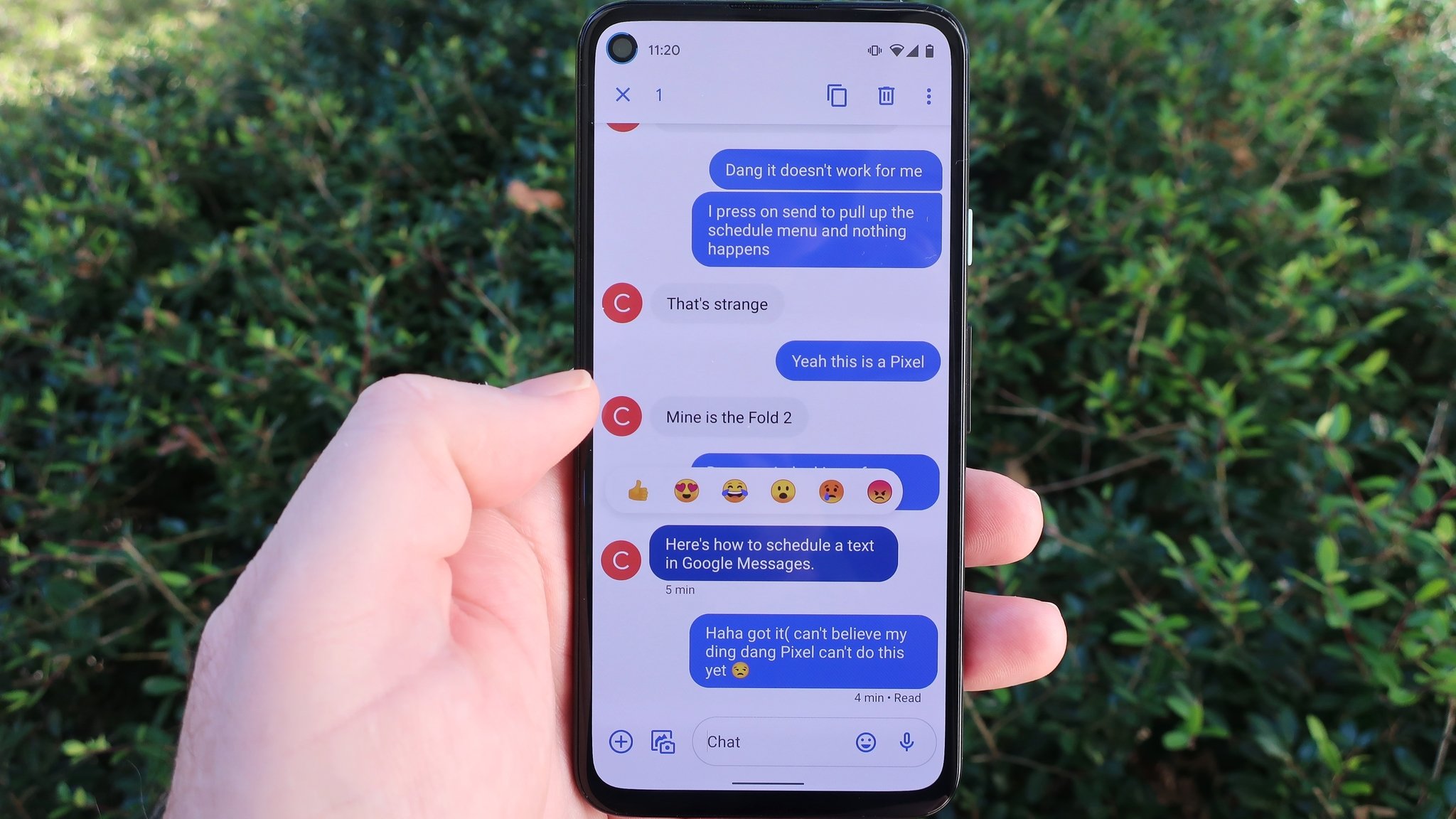
Google is bringing some important updates and shifts to how we use a couple of its key mobile tools: the weather checker and the Messages app. For many Android users, the familiar weather shortcut is changing, while the Messages app is gaining several powerful new features focused on security, artificial intelligence, and a fresh look.
The Weather App Is Moving to Google Search
If you don’t use a Pixel phone, the weather app you usually tap on your home screen isn’t actually a full, standalone application. It’s really just a special version of a Google Search result saved as a shortcut. This method is now changing. Google appears to be eliminating this older, separate experience, instead focusing all its efforts on the weather display located directly within the main Google Search app.
When you search for “weather” on your phone, you’ll see a newer design. The famous weather mascot, Froggy, remains in place, displaying the current temperature and conditions. The hourly and 10-day forecasts are now neatly arranged right above and below the mascot card.
Essentially, Google wants users to find the weather report as part of their regular search results, which means they won’t have to keep maintaining the older, less-updated “app” shortcut. This change is also being seen on Google’s wearable devices, suggesting a larger plan to keep the experience consistent across devices.
Big Changes and Better Security in Google Messages
The Google Messages app, which handles your texts and RCS chats, is receiving many updates, some already fully available and others slowly rolling out to more people. These changes make chatting safer and more fun.
New Tools for Safety and Creativity
A major new feature launching in the stable version is Remix with Nano Banana. When you long-press a photo in a chat or before you send it, you can tap “Remix” to instantly change the image using a simple text command, thanks to Google’s Nano Banana AI model. This creative tool requires RCS to be turned on and is currently available in select English-speaking countries, with a daily usage limit.
Security is also getting a big boost. The app now includes Spam Link Detection, which immediately warns you and blocks you from visiting websites if a link is found in a message that looks suspicious or like spam. For even greater protection, a new tool called Key Verifier is rolling out.
This feature uses public encryption keys, shown as a QR code, to let you prove the identity of the person you are chatting with. This is designed to shield you from scammers who might try to pretend to be someone you know after a security problem like a SIM swap attack.
A Fresh Look and Smarter Chatting
On the design front, Google is updating the look of several elements. The entire account menu, where you find settings and archived chats, now has a full-screen design using the new, modern Material 3 Expressive style.
For beta testers, several improvements are making group chats and reading messages easier:
- @mentions: You can now tag a person in a group chat, which is useful for grabbing their attention even if their conversation notifications are off.
- Link Previews: Previews for links, like YouTube videos or articles, are getting bigger cover images and titles, although they will no longer show a short snippet of the article, making them look cleaner.
- Read Receipts: The “read” status indicators are being redesigned. They now appear as small, distinct circles at the bottom corner of your message bubbles, making it much clearer when someone has seen your text.
Perhaps the most significant change in development is the support for MLS Encryption (Messaging Layer Security). This technical update is the foundation that will eventually allow end-to-end encrypted (E2EE) messaging to happen seamlessly between Android and iOS devices when using RCS, making cross-platform communication much more private and secure.
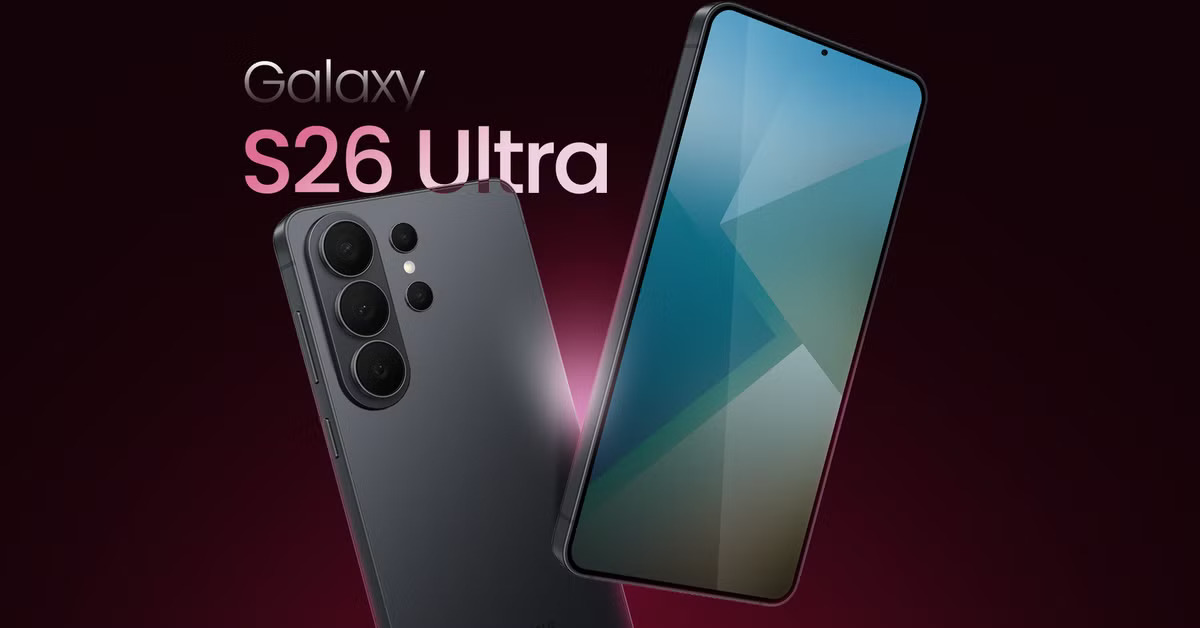
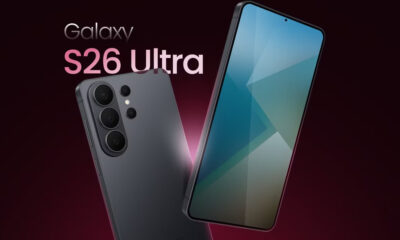
Samsung is working on big technology updates for its next two generations of flagship phones. These changes focus on making the Galaxy S26 and Galaxy S27 series faster, more reliable, and better at keeping you connected even in remote areas.
Better Connections for the Galaxy S26
The upcoming Galaxy S26 is expected to feature a new 5G modem called the Exynos 5410. This modem is a significant step forward because it improves how the phone talks to satellites. While older models could only use basic satellite features, this new version supports a technology called “Direct-to-Cell.”
This means that if you are in a place with no cell towers—like deep in the woods or out at sea—you could still make phone calls, send text messages, and share your location. It works by connecting your phone directly to satellites in space. Additionally, the new modem is designed to be more efficient, which should help your battery last longer while you’re using the internet.
A Major Power Boost for the Galaxy S27
Looking further ahead to 2027, the Galaxy S27 is rumored to receive an even bigger upgrade. Samsung is developing a new brain for the phone, likely called the Exynos 2700. This chip will be built using a very advanced “2-nanometer” process. In simple terms, this makes the chip much smaller and more powerful, allowing the phone to run faster without getting as hot.
One of the most exciting parts of this future chip is the graphics. Samsung is moving away from using other companies’ designs and is building its own graphics processor (GPU) from scratch. This should make mobile gaming much smoother and improve how the phone handles smart AI features.
What This Means for Users
Samsung is trying to take more control over the parts inside its phones. By building its own modems and processors, the company can make sure everything works perfectly together. For people buying these phones in the coming years, it means better emergency safety features through satellite tech and a much more powerful experience for gaming and daily tasks.
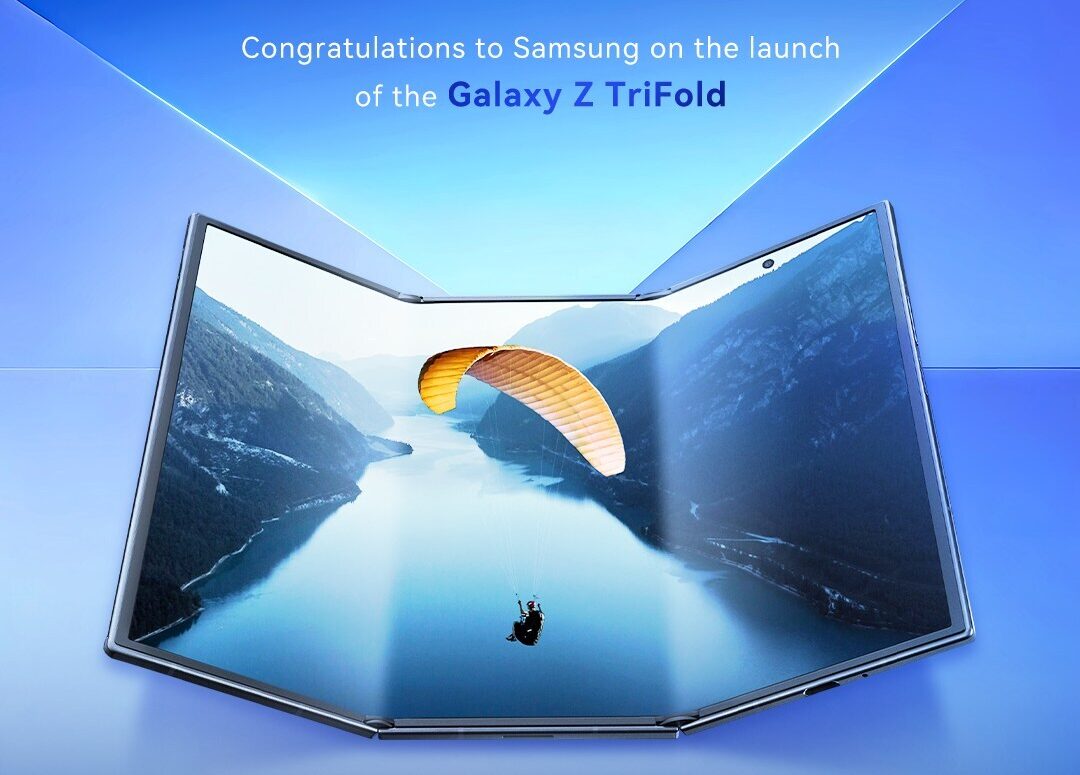
Samsung recently released its first-ever triple-folding phone, the Galaxy Z TriFold. While the device is a marvel of engineering, recent hands-on tests show it might not be as sturdy as the company’s more traditional folding phones. In a series of intense durability challenges, the TriFold struggled when pushed to its limits. Unlike the Galaxy Z Fold 7, which can handle quite a bit of pressure, the TriFold showed signs of damage relatively quickly.
One major test involved folding and unfolding the phone thousands of times. Samsung claims the device can survive 200,000 folds, but a live test by a group of tech reviewers showed the hinges starting to act up much sooner. One hinge began creaking after about 61,000 folds, and the second one followed at 121,000. By the time they hit roughly 145,000 folds, the hinges lost their “springiness,” making it hard for the phone to stay flat or close properly. While the screen itself kept working, the mechanical parts were clearly wearing out.
Beyond the folding tests, the phone also faced a “bend test” where it was forced in the wrong direction. Unfortunately, the TriFold didn’t survive this as well as previous models; the frame snapped and the screen pixels went dark with a reasonable amount of force. It seems that having more hinges and a thinner body makes the device more vulnerable to physical accidents.
Business-wise, Samsung isn’t too worried about these early hiccups or even the fact that they aren’t making much money on the TriFold right now. They view it as a “statement piece”—a way to show the world they can build technology that others can’t. The phone is only being sold in very small numbers, which helps keep it exclusive.
However, the company is feeling some pressure regarding its next big standard release, the Galaxy S26. With the costs of parts like processors and cameras going up, Samsung is looking for ways to keep prices fair for customers without losing money. While the TriFold is a cool look into the future, the success of their upcoming regular flagship phones is what really keeps the company steady. For now, the TriFold remains an impressive but delicate piece of tech for early adopters who are willing to be extra careful with it.
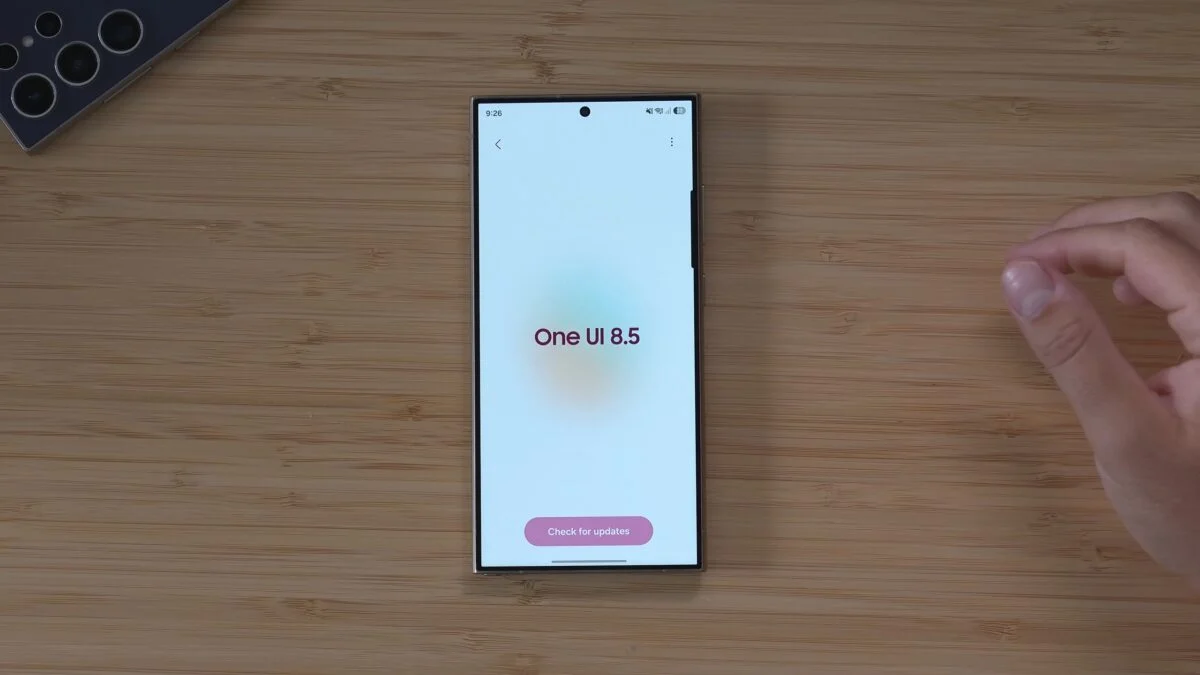
Samsung is making great progress with its next big software update, One UI 8.5. This version, based on Android 16, is already being tested on several devices, bringing better looks and new features to Galaxy users.
New Testing for Galaxy A26 and Others
Samsung has officially started internal testing for the Galaxy A26 5G. This is an important step because it shows that even mid-range phones are being prepared for the new software. The testing is also happening for other models like the Galaxy A35, A53, and A33. While high-end phones usually get the newest tools first, these more affordable models will still enjoy smoother animations and a fresh look.
Customization Updates with Good Lock
For people who love to change how their phone looks, there is some good news about the Good Lock app. Samsung has released a new version of the QuickStar module that works with the One UI 8.5 Beta. This tool lets you change things like the icons at the top of your screen.
However, some other tools are still being worked on. For example, modules like LockStar and Home Up—which help you customize your lock screen and home screen—don’t fully work yet on the test version. Samsung is busy fixing these so they will be ready for everyone soon.
What to Expect Next
The One UI 8.5 update is expected to launch officially with the Galaxy S26 series early next year. After that, it will slowly roll out to many other Galaxy phones and tablets throughout 2026. The new software focuses on making the phone feel faster and look more modern, using “blur” effects and colorful cards to make the menus more attractive.
-
 News7 months ago
Samsung expands One UI 8 updates with new camera support, watch upgrade, and wider testing
-
 News7 months ago
Samsung testing One UI 8.5 on Galaxy A26 as Good Lock updates begin
-
News7 months ago
Samsung begins testing One UI 8.5 on Galaxy S22, Tab S9, and popular A-Series phones
-
 News7 months ago
Samsung Galaxy S26 and S28 to feature custom graphics alongside new Galaxy Buds 4 Pro
-

 News7 months ago
Samsung’s new three-way Folding phone faces real-world toughness tests
-
 News7 months ago
Samsung’s future phones to feature better satellite tech and powerful new chips
-
News7 months ago
Samsung tests new One UI 8.5 update on more phones
-

 News7 months ago
Google Updates: Quicker Photos Search, new emergency tools for India, and AI for your car